Many people love using a ceiling fan, especially at night. It keeps the air cool and helps us sleep better. But sometimes, you might hear a strange noise. Have you ever noticed a ceiling fan ticking sound only at night? This noise can be annoying. It might even keep you awake. Let’s explore why this happens and how to fix it.
The surprising thing is that a ceiling fan can tick while running! You may not hear it during the day. But at night, when it’s quiet, the noise can stand out. This sound can happen for many reasons. Sometimes, it’s just a little problem. Other times, it might mean your fan needs some attention. Let’s dive deeper into this ticking sound.
Key Takeaways
- Ceiling fan ticking sound only at night can be annoying.
- Different reasons can cause the ticking noise.
- Fasteners may need tightening to stop the noise.
- Your fan blades may need balancing for smooth operation.
- Regular maintenance helps prevent strange sounds.
Understanding Ceiling Fan Ticking Sound Only At Night
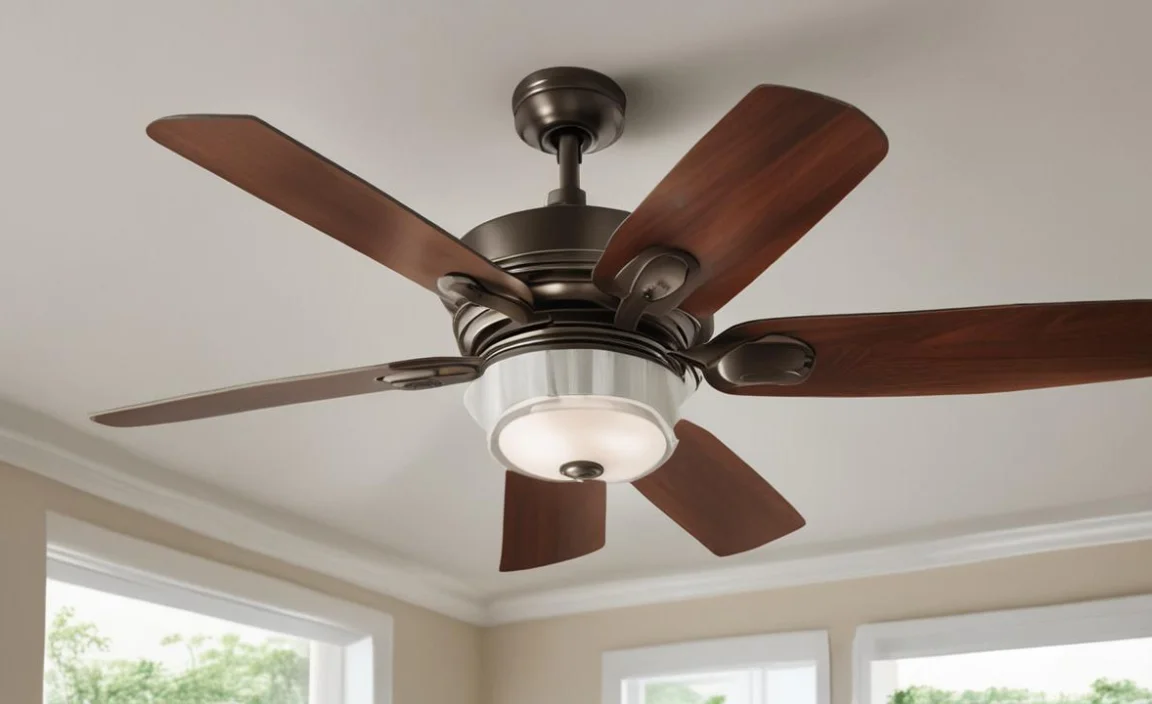
A ceiling fan ticking sound may surprise you at night. When everything is quiet, small noises become loud. You might wonder if it’s a critter or something else. The truth is, it’s often just the fan. The ticking can come from loose parts or an unbalanced blade.
To solve this, first listen carefully. Is it a quick tick or a slow thump? Understanding the sound helps in fixing it. Let’s look at some common reasons for this noise.
- Loose screws or bolts in the fan.
- Worn-out bearings may cause ticking.
- Fan blades could be hitting something.
- Dust buildup can create noise.
- Incorrect installation might be the cause.
To fix the ticking noise, check the fan’s screws and bolts. Tightening them may solve the problem. If that doesn’t work, look at the blades. Are they straight? If not, they may need balancing. Dust can also cause noise; so, clean your fan often. A little care can keep your fan running smoothly.
Fun Fact or Stat: Did you know that a well-maintained fan can last over 10 years?
Common Causes of Ceiling Fan Noise
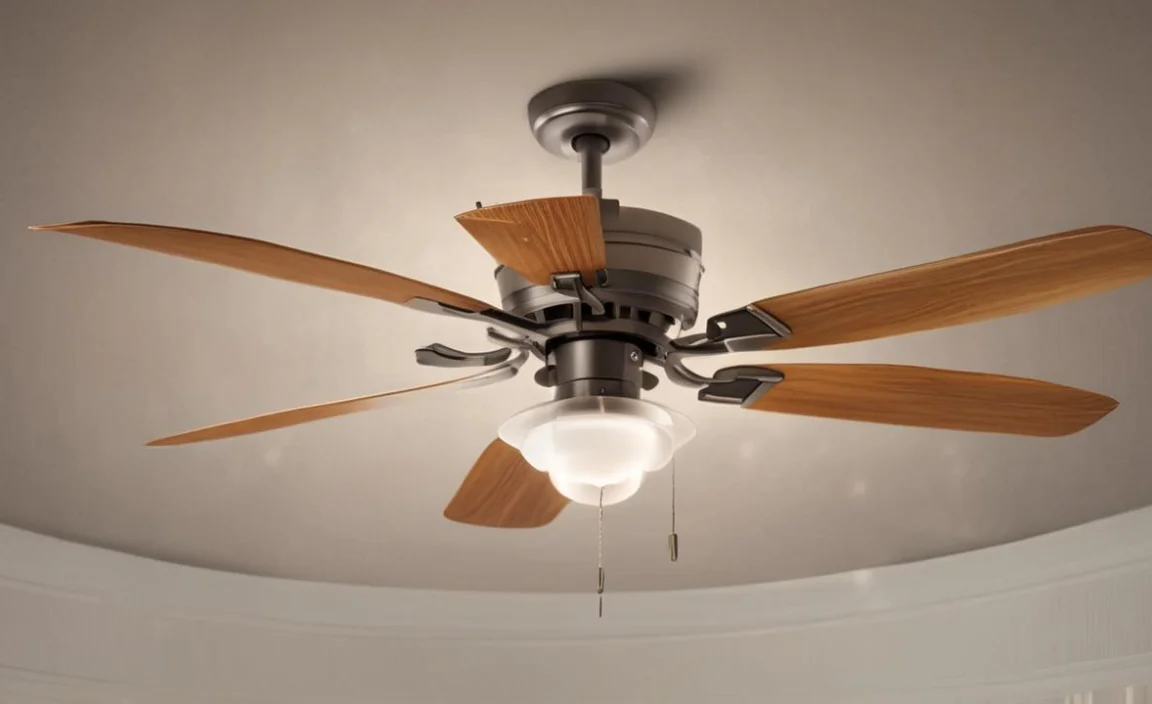
Have you ever wondered why your ceiling fan makes noise? Sometimes, it’s just because of how it’s built. Fans have many moving parts. If one part is loose or worn out, it can start to tick.
Think about when you ride a bike. If the chain is loose, it makes noise. The same goes for a fan. A fan needs all its parts to work together. Otherwise, it creates sounds that can wake you up at night.
- Loose screws can rattle and tick.
- Old bearings might need replacement.
- Fans can collect dust, causing noise.
- Damaged blades can hit each other.
- Incorrect installation can lead to issues.
Checking your fan regularly helps prevent noise. If you hear a ticking sound, check for loose parts first. Make sure everything is tightened. Regular care keeps your ceiling fan quiet and effective.
Fun Fact or Stat: The average ceiling fan uses less energy than a light bulb!
How to Troubleshoot the Ticking Noise
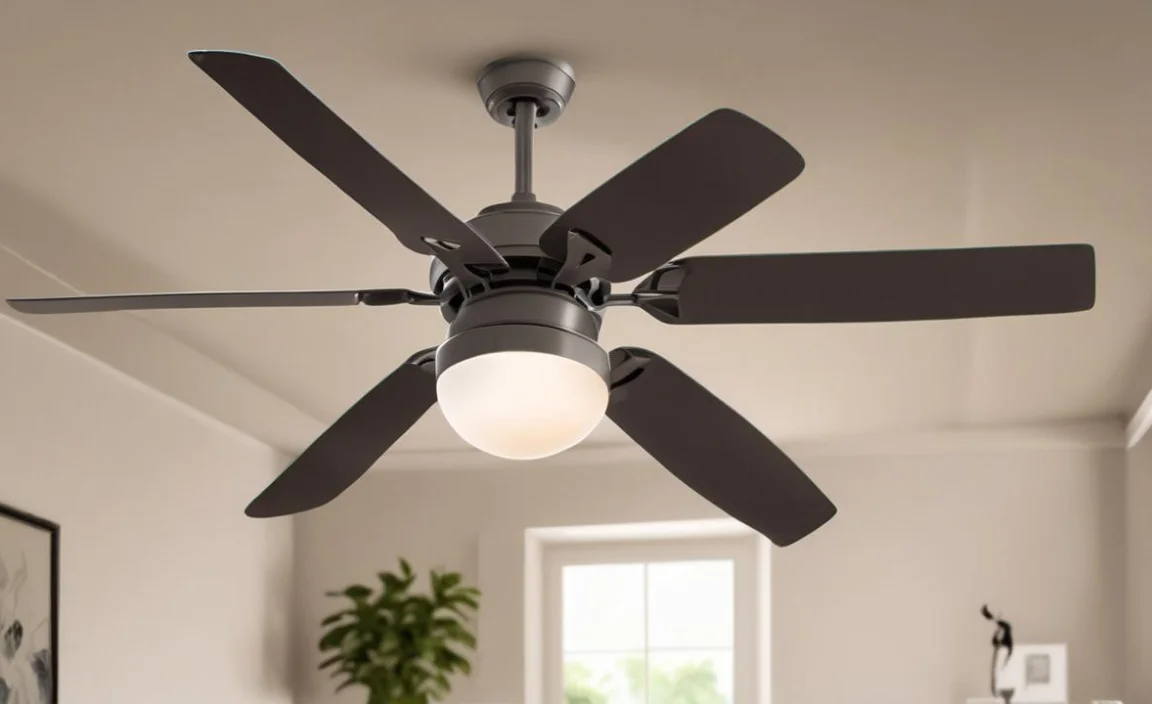
If your ceiling fan makes noise, don’t worry! There are simple ways to troubleshoot it. First, turn off the fan and let it stop completely. Then, look at the screws and bolts. Are they tight? If not, use a screwdriver to fix them.
Next, check the fan blades. Are they dirty or bent? Wipe them down with a damp cloth. If they are bent, they may need replacing.
- Turn off power before checking the fan.
- Tighten all screws and bolts securely.
- Clean the blades to remove dust.
- Look for damaged blades needing replacement.
- Check the installation for any problems.
If the ticking sound continues, consult a professional. They can find hard-to-see issues. A quick fix today can save you from noise at night.
Fun Fact or Stat: Some fans have a special feature to reduce noise!
Importance of Regular Maintenance
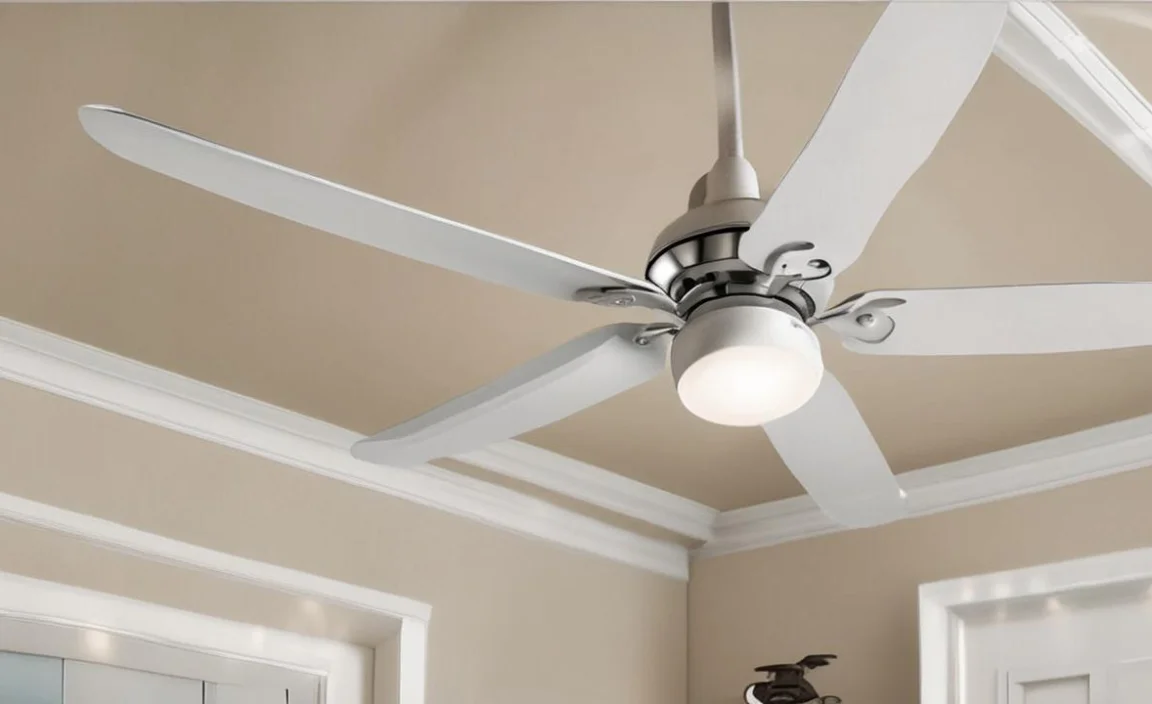
Did you know that regular maintenance can help avoid ticking noises? Just like a car, a ceiling fan needs care, too! When you clean and check your fan, you keep it healthy.
Imagine if you never cleaned your bike. It would rust and break down. Your fan is similar. If dust builds up, it can make noise. Plus, loose parts can cause more serious issues over time.
- Cleaning prevents dust from making noise.
- Tightening screws helps the fan run smoothly.
- Checking the blades keeps them balanced.
- Regular maintenance extends the fan’s life.
- It saves you money on repairs down the road.
Make a schedule to check your fan. Cleaning it every few months can keep it quiet and efficient. You might even find other issues early. This way, you avoid surprises when you want to sleep at night.
Fun Fact or Stat: Regular maintenance can improve your fan’s energy efficiency.
Should You Replace Your Ceiling Fan?
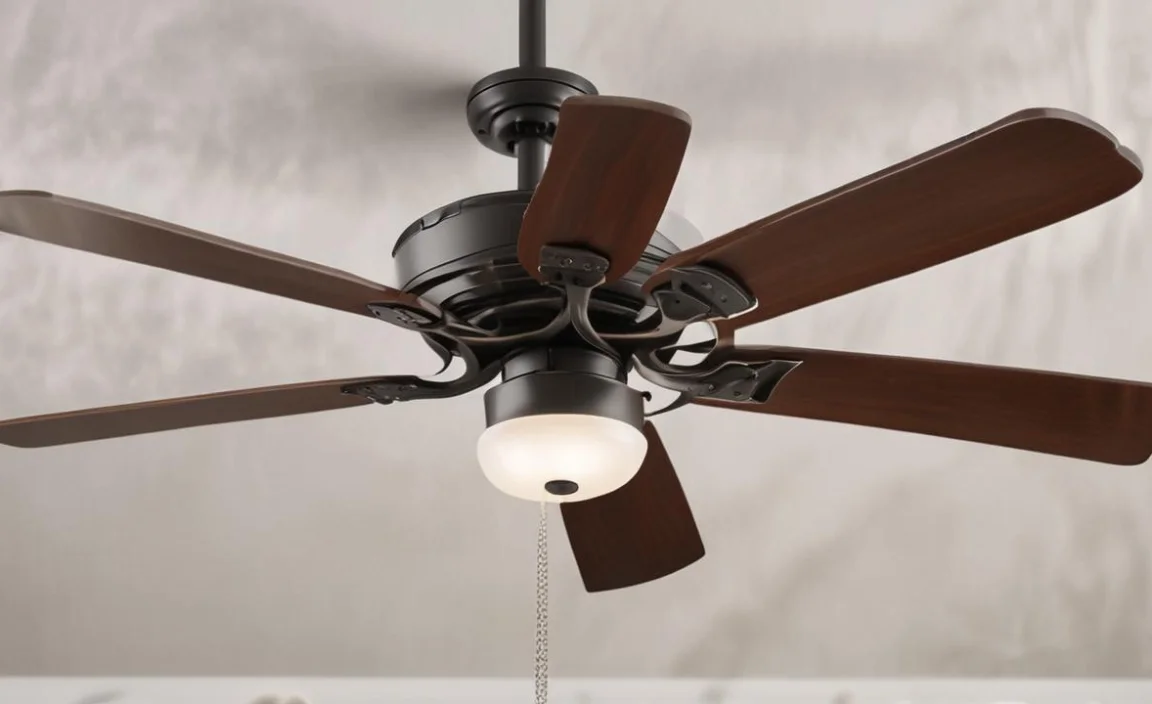
Sometimes, it’s best to think about replacing your ceiling fan. If it makes a ticking sound only at night, it may be old. An old fan can have many issues. It might not work well anymore.
When you shop for a new fan, look for quiet models. Many fans are designed to run quietly. They have features that reduce noise. Consider your room size and style, too.
| Feature | Old Fan | New Fan |
|---|---|---|
| Noise Level | Usually louder | Quieter options |
| Energy Efficiency | Less efficient | More efficient |
| Design Variety | Limited options | Many styles available |
| Maintenance Costs | Higher costs | Lower costs |
If you hear a ceiling fan ticking sound only at night, consider these factors. A new fan might save you money on energy bills. It can also keep your nights peaceful.
Fun Fact or Stat: New fans can save up to 50% on energy costs!
Choosing the Right Ceiling Fan
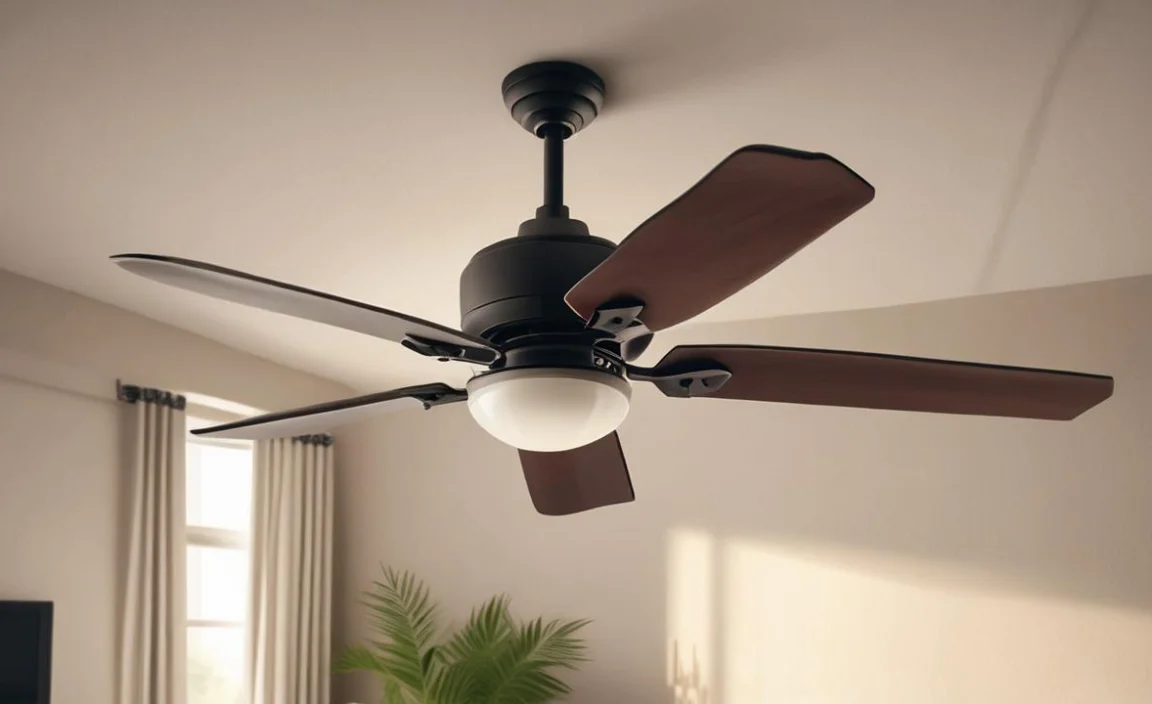
When picking a new ceiling fan, think about what you need. Do you want it to be quiet? Or do you want fancy lights? Understanding your needs helps you choose the perfect fan.
Consider the size of your room. A big room needs a larger fan. Small rooms can use smaller models. Think about the style, too.
- Measure your room size for the right fan.
- Choose a style that matches your decor.
- Look for quiet models for peaceful nights.
- Check for energy labels to save money.
- Read customer reviews before buying.
Taking time to choose the right fan can make a big difference. You’ll enjoy the cool air without annoying sounds. Make sure to ask questions at the store, too!
Fun Fact or Stat: The right fan can lower your cooling costs by 30%.
What to Consider When Installing a New Fan

Installing a new ceiling fan can be fun! But you need to do it right. First, read the instructions carefully. Each fan is a little different.
Think about where to place the fan. It should be in the center of the room. Make sure it hangs low enough to be effective.
- Read the instructions before starting.
- Install in the room center for best airflow.
- Check the height for safety.
- Ensure wiring is safe and secure.
- Ask a professional if you’re unsure.
If you’re not comfortable installing it, ask someone for help. A well-installed fan will provide cool air without the ticking sound.
Fun Fact or Stat: Proper installation can help your fan last longer!
Summary
The ceiling fan ticking sound only at night can bother you. Understanding this noise is essential to fix it. Regular maintenance is key to a quiet fan. Sometimes, you may need to replace the fan if it’s too old. Always choose a fan that fits your needs. A new fan can keep you cool without annoying sounds.
Conclusion
A ceiling fan should help, not bother you with a ticking noise. If you hear a ceiling fan ticking sound only at night, check for loose parts or dirt. Regular maintenance can save you from headaches. Sometimes, a new fan is the best choice. Make sure you choose wisely.
Frequently Asked Questions
Question No 1: Why does my ceiling fan tick at night?
Answer: A ceiling fan may tick at night due to loose parts. When it’s quiet, small sounds become noticeable. Dust or dirt buildup can also cause noise. Sometimes, an unbalanced blade hits the fan body. Regular maintenance can help reduce these noises.
Question No 2: How can I stop the ticking noise?
Answer: To stop the ticking noise, first, tighten loose screws. Check the fan blades for dirt or damage. Cleaning the fan can reduce noise. Balancing the blades is also important. If problems continue, consider getting a professional to help.
Question No 3: Can an old fan make more noise?
Answer: Yes, an old fan may make more noise. Over time, parts wear out and become loose. Old bearings can also cause ticking sounds. If your fan is old, consider replacing it with a newer, quieter model. Investing in a new fan can save money on energy bills.
Question No 4: How often should I check my ceiling fan?
Answer: You should check your ceiling fan every few months. Regular checks can help catch problems early. During these checks, tighten screws and clean dust from the blades. This simple care helps prevent the ceiling fan ticking sound only at night.
Question No 5: Are there ceiling fans that are quiet?
Answer: Yes, there are ceiling fans that are designed to be quiet. Many modern fans have features that reduce noise. When buying a fan, look for one with good reviews on quiet operation. Choosing the right fan can help you enjoy peaceful nights.
Question No 6: What should I do if my fan is still ticking after maintenance?
Answer: If your fan still ticks after maintenance, it might need professional help. An expert can check for issues you may have missed. Sometimes, the fan may need parts replaced or balanced. Don’t ignore the noise; it can lead to bigger problems.

